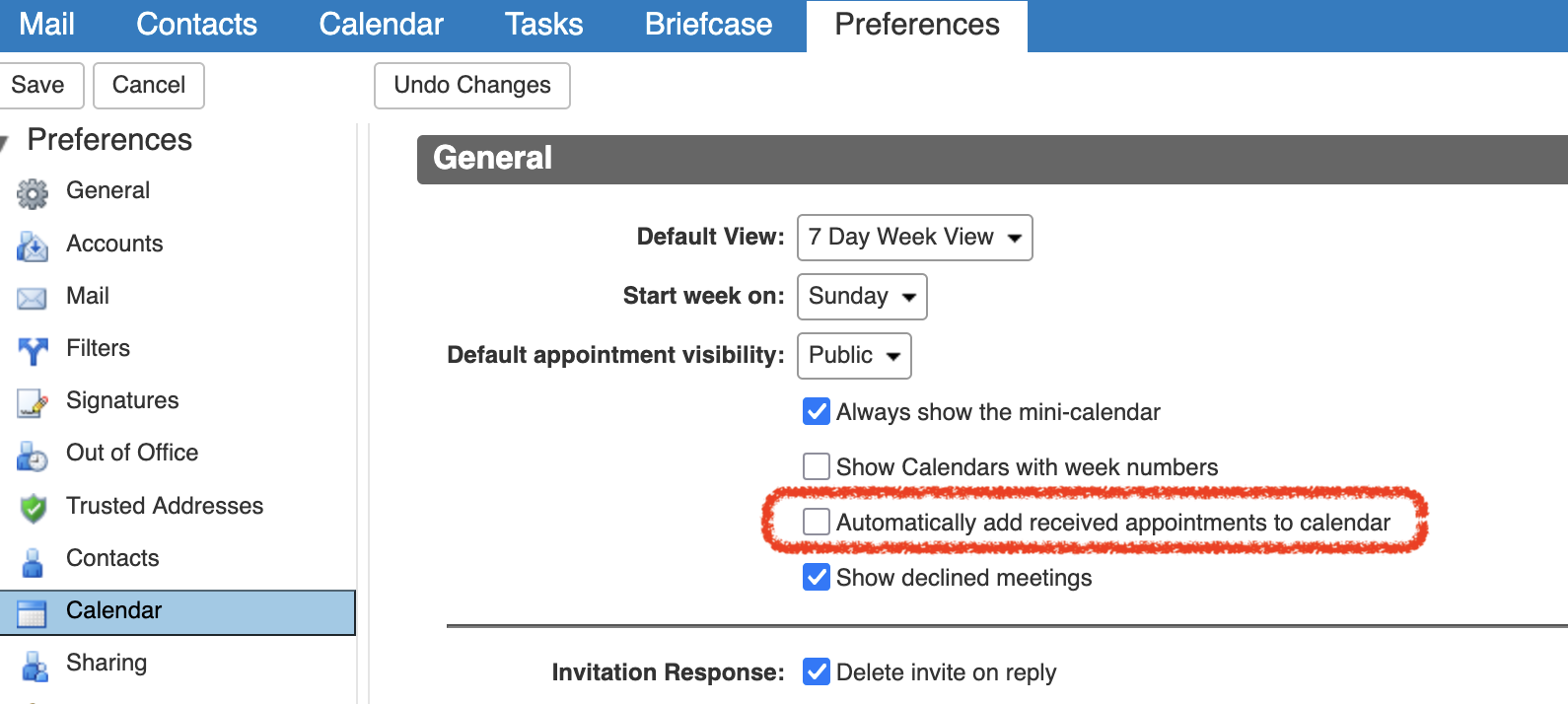
Make one change in your web client settings to prevent spam from automatically being added to your calendar.
How to Change User Preferences (Web Client)
- Use the Classic Web Client (if using Modern, select the classic from beneath your name in the upper right corner)
- Go to the Preferences tab.
- Click on the Calendar folder in the left navigation pane.
- Scroll to the Invitations section.
- Uncheck Automatically add received appointments to calendar.